 Focus Ally
Plan vs actual time tracking
Your plan. What actually happened.
Focus Ally puts your calendar and your actual focus sessions side by side, so you can compare the day you planned with the day you had.


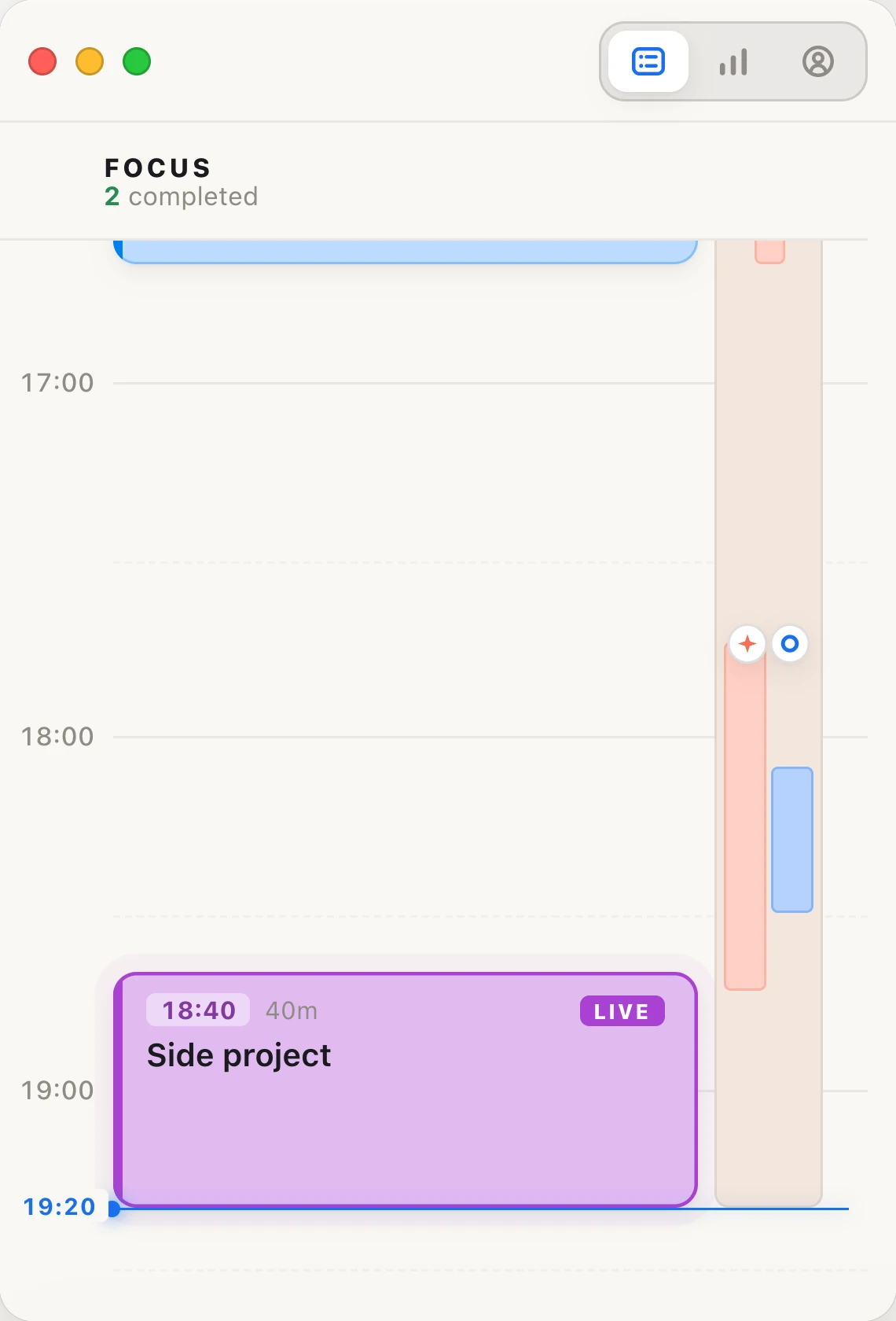
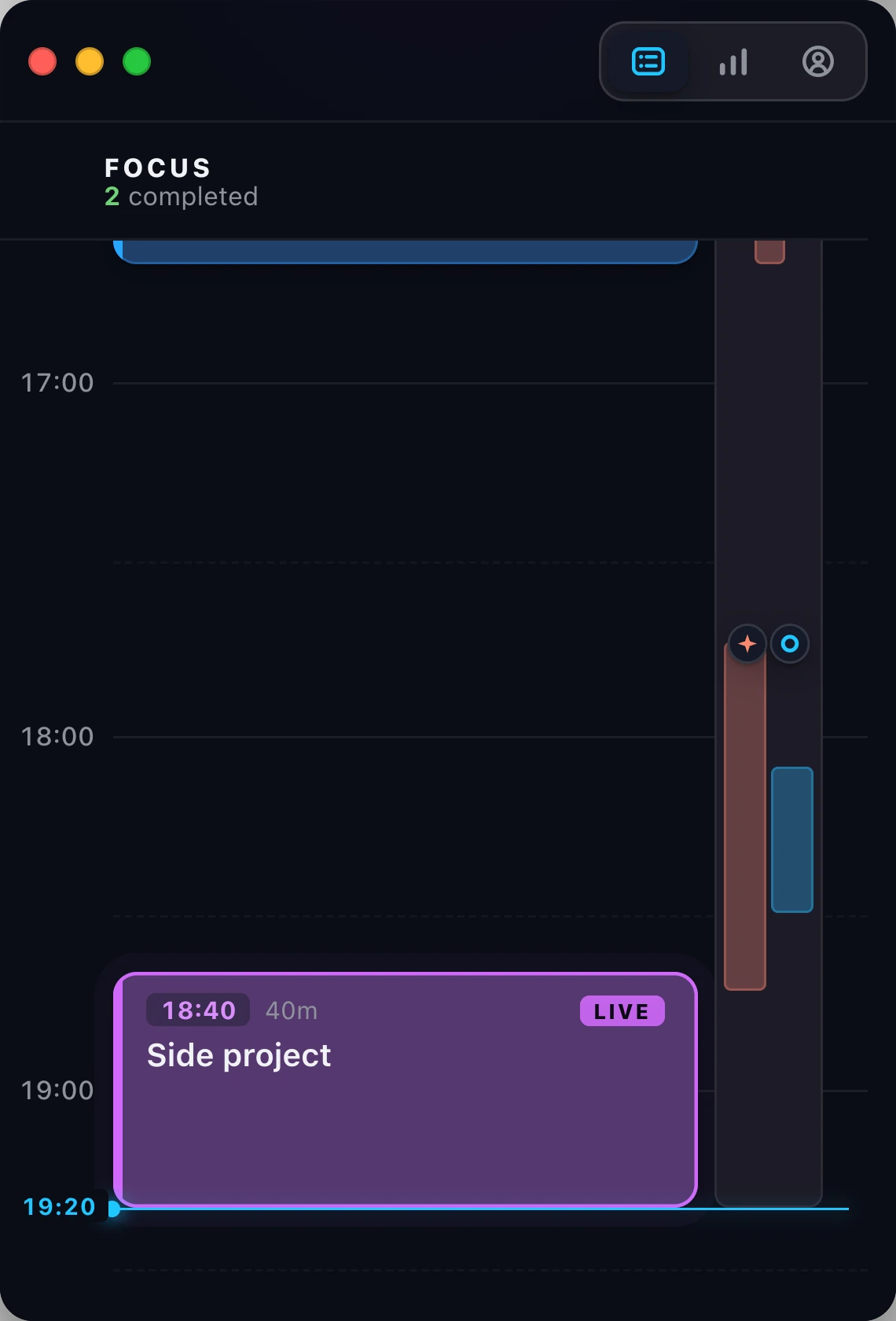
Two columns, one day
An hourly timeline with a live now line. On one side, what your calendar said. On the other, the sessions you actually ran and the rest you took. When the columns disagree, you see where, and by how much.
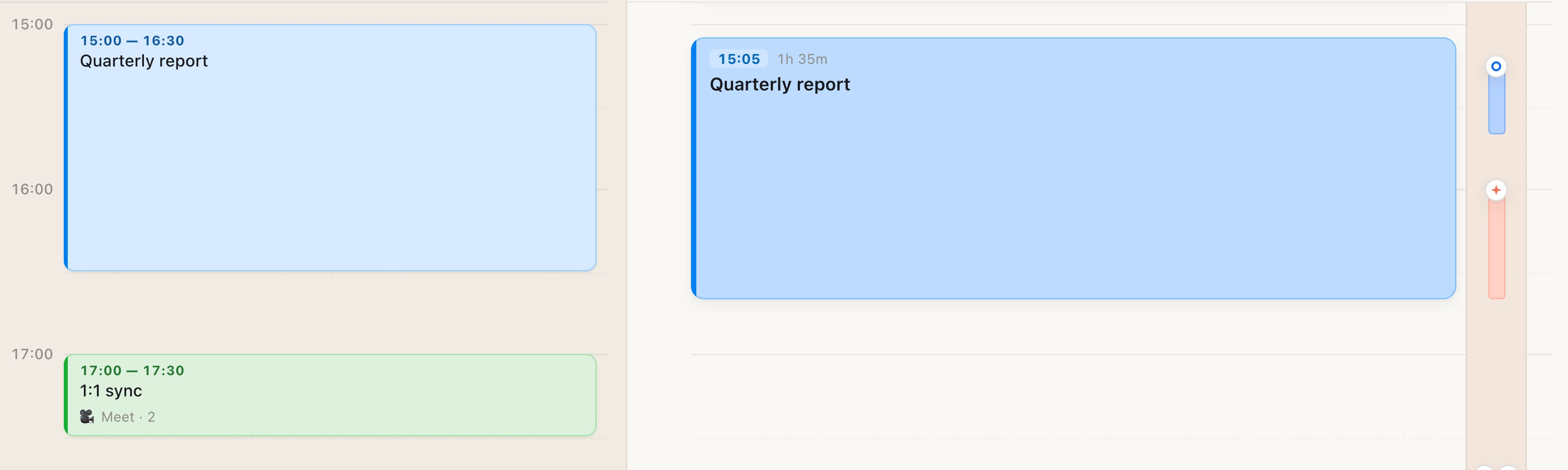
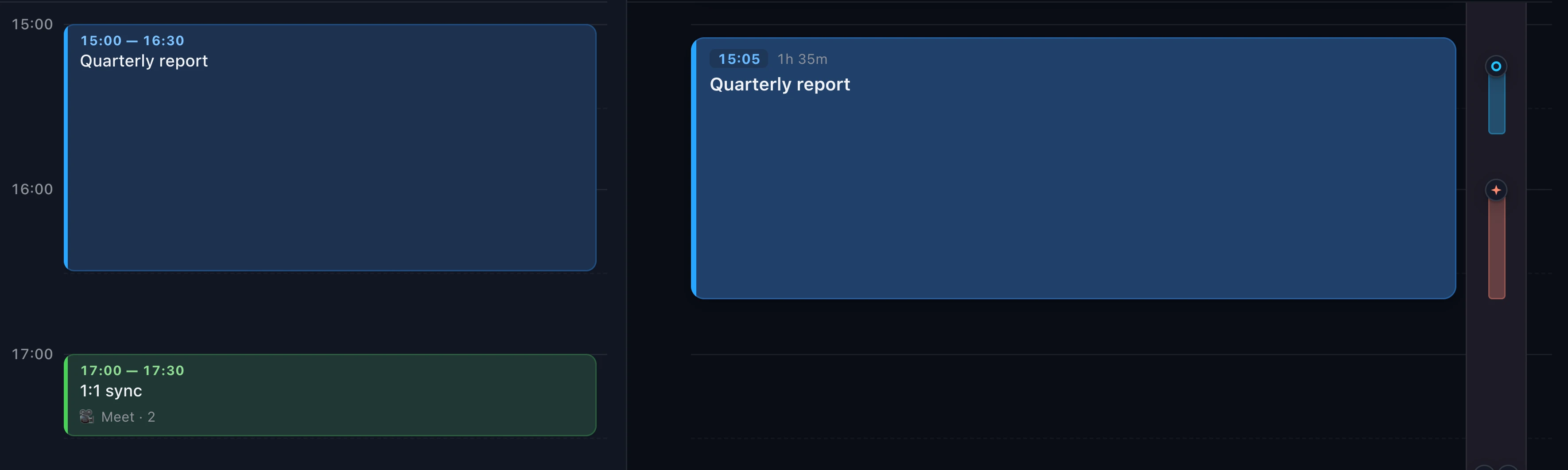
Read from your real calendars
Focus Ally reads the calendars already on your device, read-only. Nothing to import, nothing to retype. If you'd rather not share your calendar, everything else works and the plan column simply stays empty.
No judgement, just the picture
Planning ten hours of focus and getting three is a normal day, not a failure. Focus Ally shows the gap without a score, so tomorrow's plan can be a little more honest than today's.
Your agents' work gets its own laneQuestions
Which calendars does it read?
The calendars on your device, through Apple's calendar access. It only reads them to draw your day.
Does it change my calendar?
No. Calendar access is read-only.
What fills the "actual" column?
The focus and rest sessions you run in Focus Ally. Agent sessions sit on their own lane.
Plan the day. Then see the day.
Free on the App Store free account required