 Focus Ally
Deep work tracker for iPhone, iPad and Mac
Work is parallel. Attention isn't.
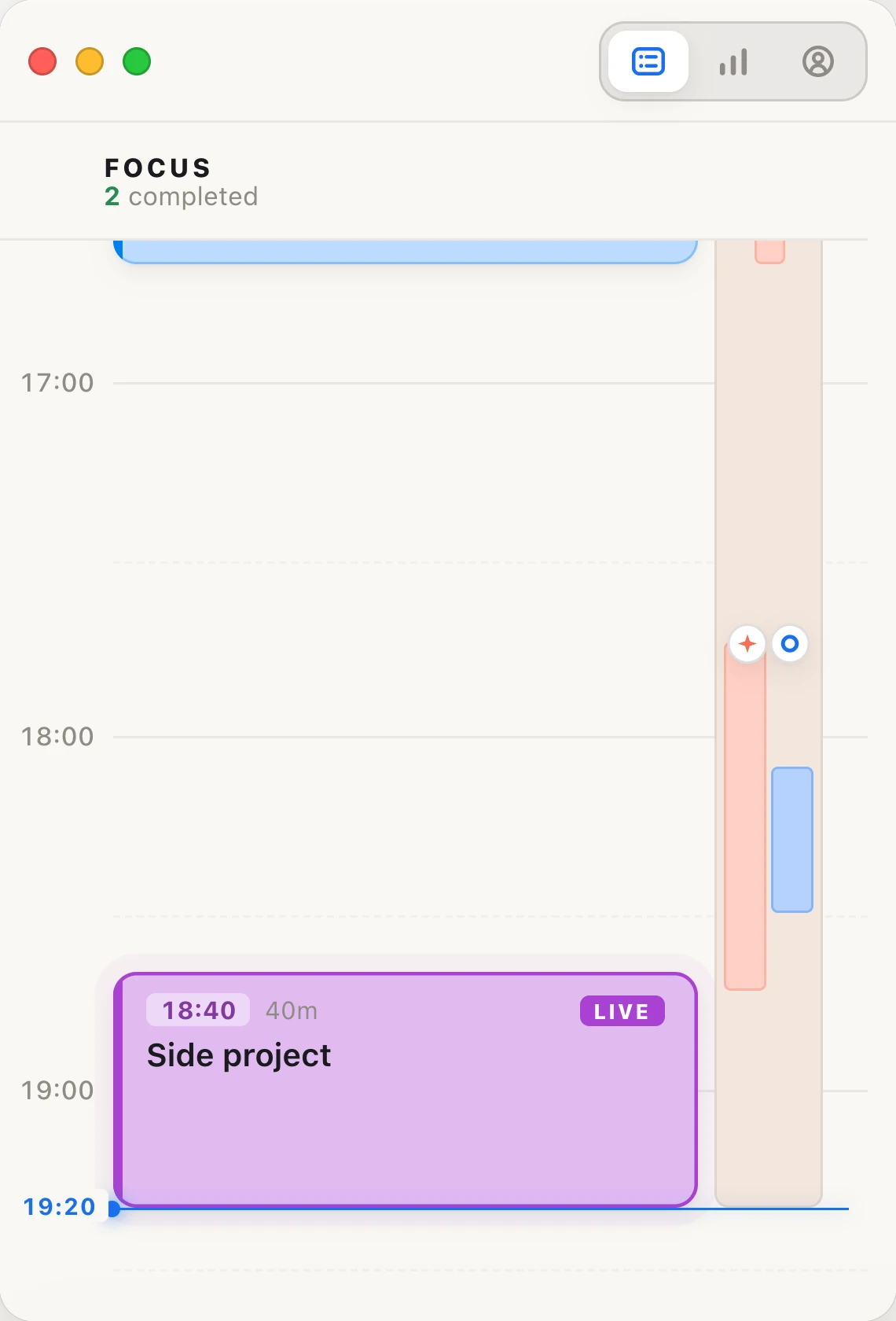
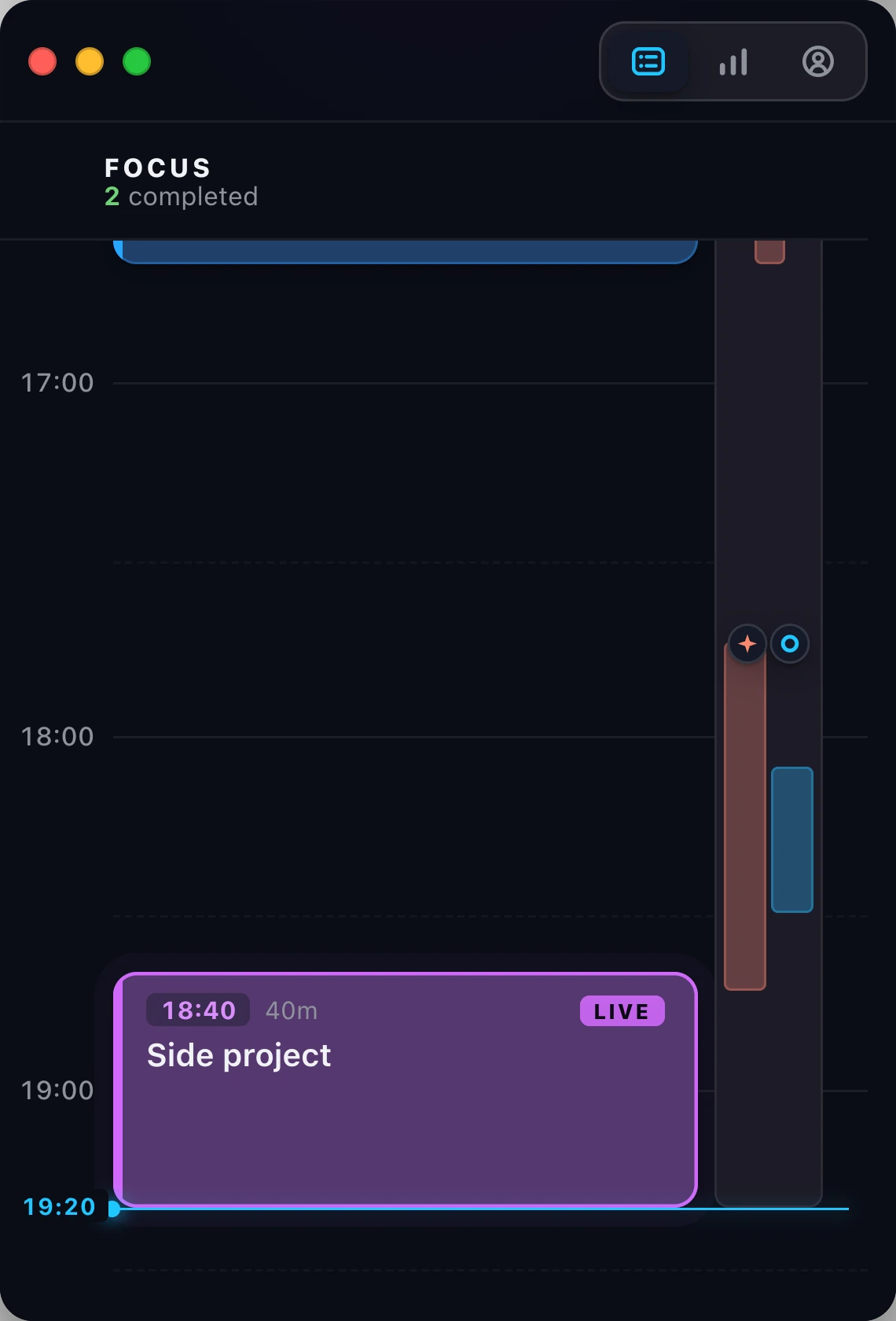
Most productivity tools count tasks. Focus Ally counts attention: your focus sessions and your AI agents' runs on one timeline, so delegated work never passes for your focus.


iPhone · iPad · Mac · Apple Vision Pro · Works with Claude Code and Codex
- Your focus comes from sessions you start
- Agents report timing only. No prompts, no code
- Your calendar is read-only
- The agent plugin is open on GitHub
- Version 1.1 · September 28, 2026
Attention management for the agentic era
The bottleneck moved. It's your attention now.
You can run four agents at once. You can't think four thoughts at once. The new work is choosing what deserves your attention, protecting it, and seeing honestly where it went.
Read why we built Focus AllyYour agents worked. You took a walk.
When Claude Code or Codex runs beside you, that work is real, but it isn't your attention. Focus Ally gives agent sessions their own lane, so delegated work stays visible without passing for your focus. Once connected, agent sessions log themselves. Nothing to start, nothing to stop.
Works with Claude Code and Codex. Set up with one message to your agent:
Set up FocusAlly MCP and tracking for me. Follow the instructions at
https://raw.githubusercontent.com/AllyApps/FocusAlly-agent-plugin/main/AGENT_SETUP.md
Your plan. What actually happened.
Your calendar is what you meant to do. Your focus sessions are what you did. Focus Ally reads your real calendars and puts the two in columns side by side, so the gap is a picture, not a guilty feeling.
Compare your plan with your day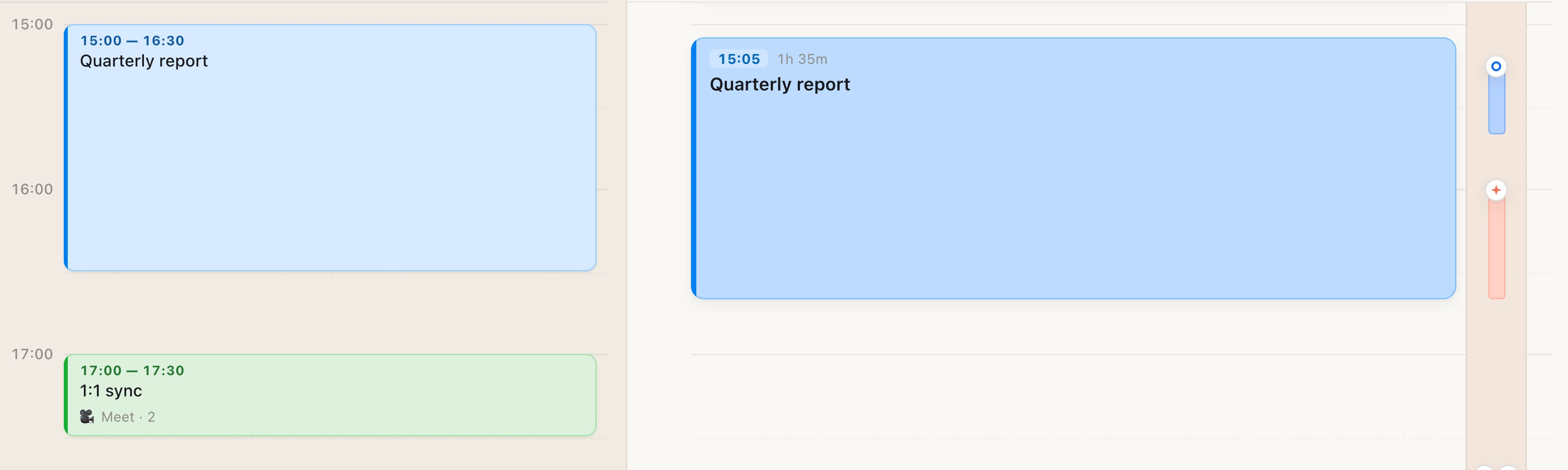
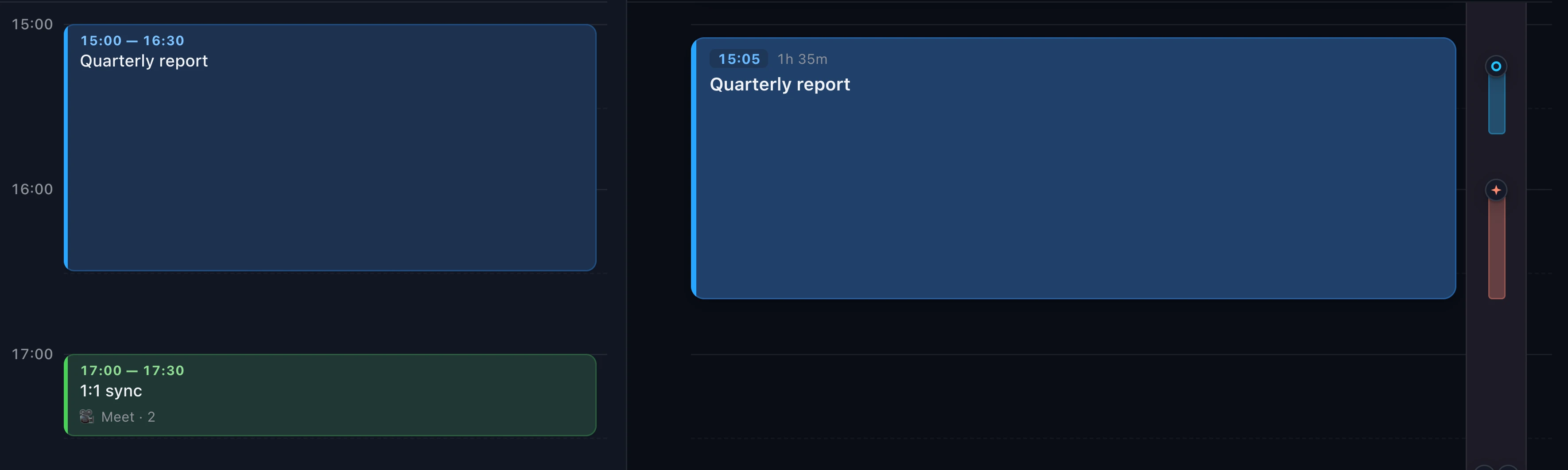
Still in flow? It keeps counting.
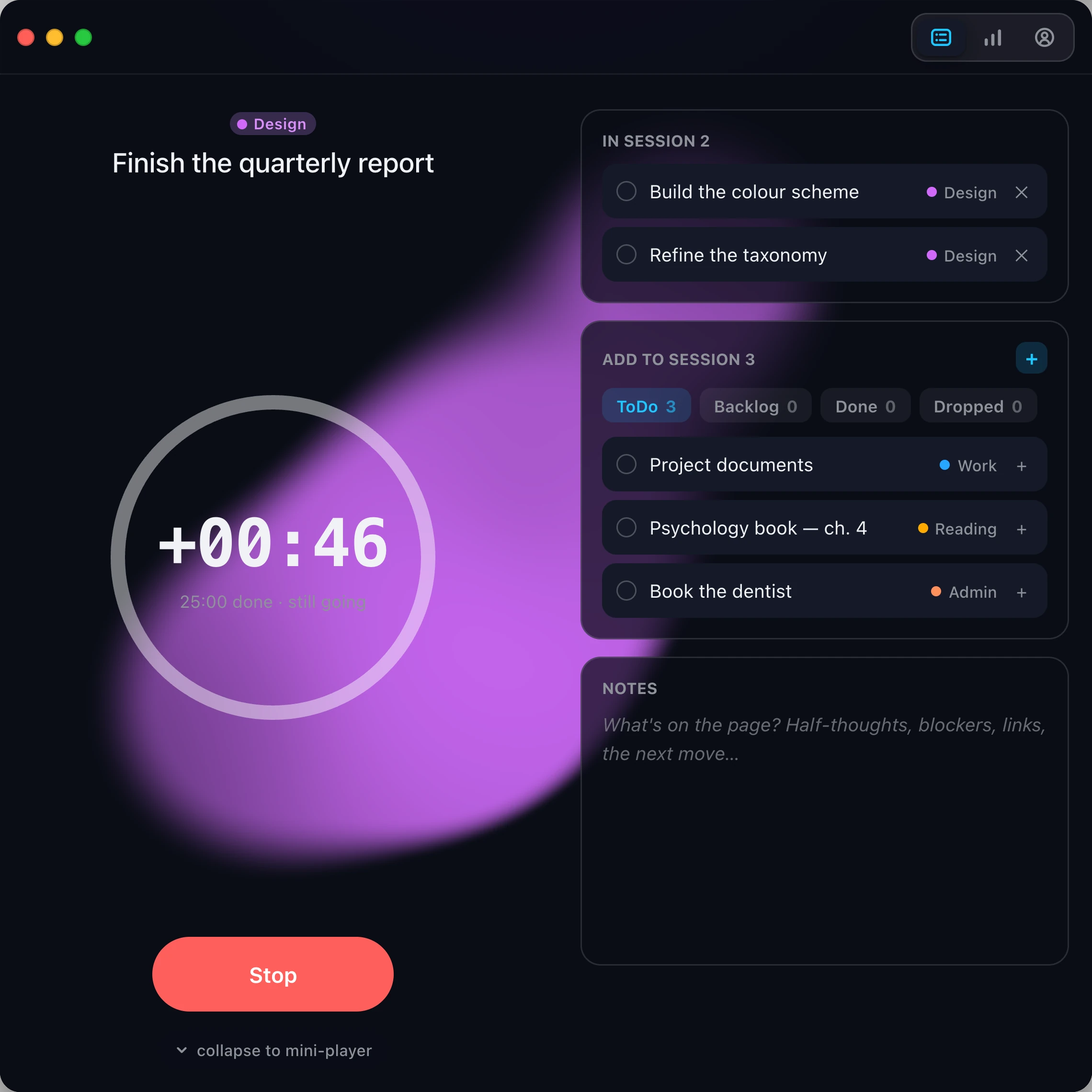
Start a session of 10, 25, 50 or 90 minutes, or leave it open. At zero it doesn't stop. It counts up, so a session that is going well is never ended by an alarm.
Rest counts too.
Pick a break, follow the rest ladder, and note how the session felt: sluggish, ok or sharp. Rest is human life, not dead time.
NewOn iPhone
Apps stay locked until the task is done.
Pick the apps that pull you away. Focus Ally keeps them closed during a focus session, on a schedule, or once you hit your daily limit. Or keep them locked until you finish the task that matters.
Set up distraction blocking- Social mediaSchedule · Limit 45 min›
- Apps 3 · Categories 1During focus›
- All except · Apps 4No limits, pick a time on entry›
- Until a task is doneFinish the quarterly report›
- Add ruleUp to 8 rules
See where your attention went.
A daily goal, the core numbers, time by tag and a history strip. With Pro, Insights reads your sessions and writes daily, weekly and monthly reflections back to you.
An ally, not a warden.
You start a session; Focus Ally keeps the record. It doesn't watch your screen or score you. We don't judge how much you worked. We show what your day was made of.
Made by a two-person team that runs its own days in it.
Free to start. Pro when you want the whole history.
| Feature | Free | Pro |
|---|---|---|
| Day timeline and calendar | Included | Included |
| Focus and rest sessions | Included | Included |
| Tasks | Included | Included |
| Statistics | Today and yesterday | Full statistics and full history |
| Insights | Not included | Included |
| Smart priority reminders | Not included | Included |
| Price | Free | $9.99 a month or $59.99 a year |
Both Pro plans start with a 7-day free trial. Cancel any time in your Apple Account settings.
An account is required. It syncs your day across your devices and lets your agents report in.
Full pricingQuestions
What is Focus Ally?
A deep work tracker for iPhone, iPad and Mac. You run focus and rest sessions, Focus Ally lays them on a timeline next to your calendar and your AI agents' sessions, and shows you where your attention actually went.
Is it a Pomodoro timer?
It can run 25-minute sessions, but it doesn't end them with an alarm. Sessions count up past zero, and they can be open-ended. The timeline of your day is the point, not the countdown.
Which AI agents does it show?
Claude Code and Codex, through a plugin your agent installs itself. You approve a short code in the app. On Codex you also trust the plugin's hooks once.
Does it track my screen?
No. Your own time comes from the sessions you start. The agent plugin sends session timing, the agent's name, your machine's name and the project folder path. No prompts, no code.
What's free and what's Pro?
Free includes the day timeline, calendar, focus and rest sessions, tasks, and statistics for today and yesterday. Pro adds Insights, full statistics, full history and smart priority reminders.
Which devices does it run on?
iPhone, iPad, Mac and Apple Vision Pro, synced through your account. The app speaks seven languages: English, Japanese, German, French, Spanish, Russian and Korean.
See what your day was made of.
Free on the App Store and the Mac App Store.