 Focus Ally
Count-up focus timer
A focus timer that keeps counting past zero.
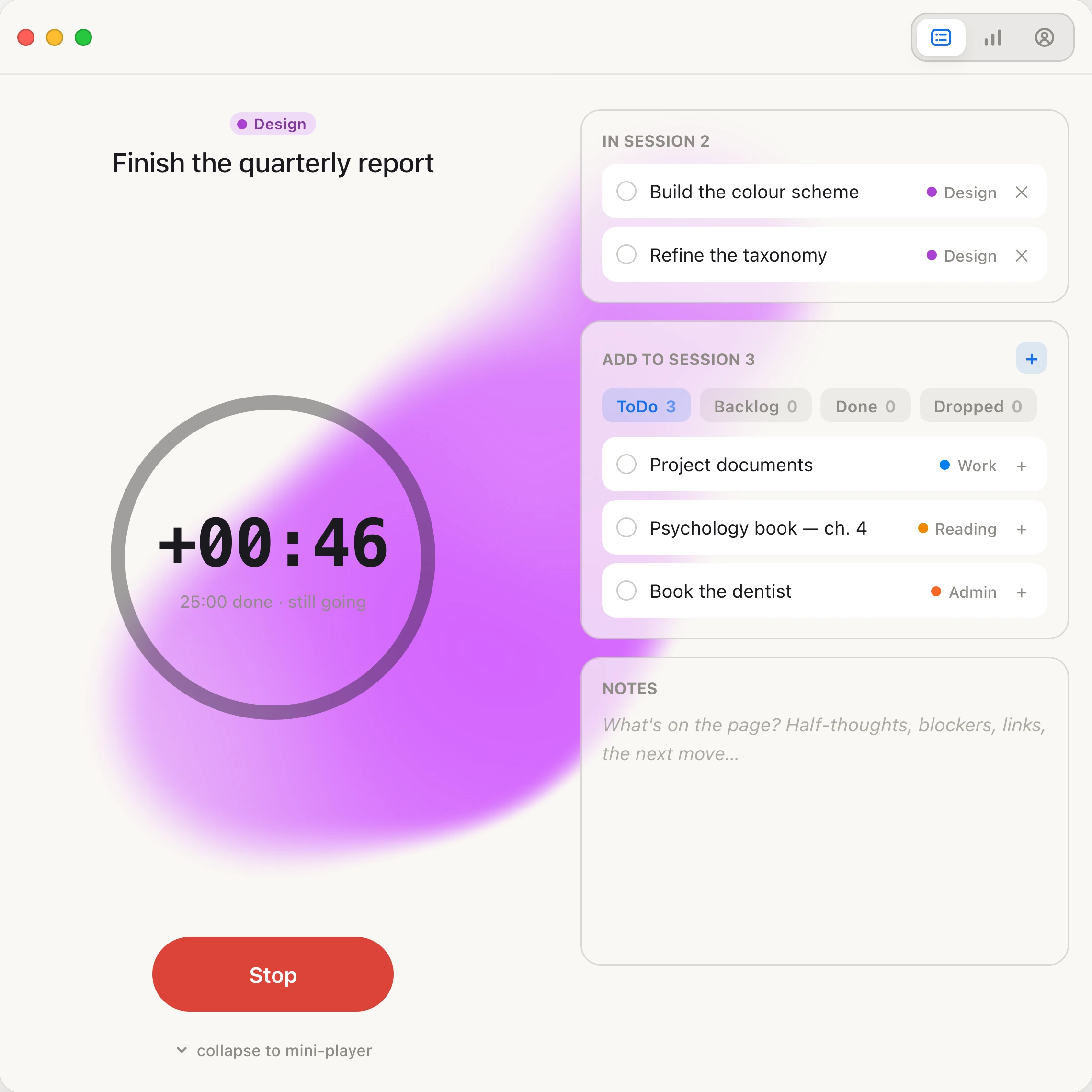
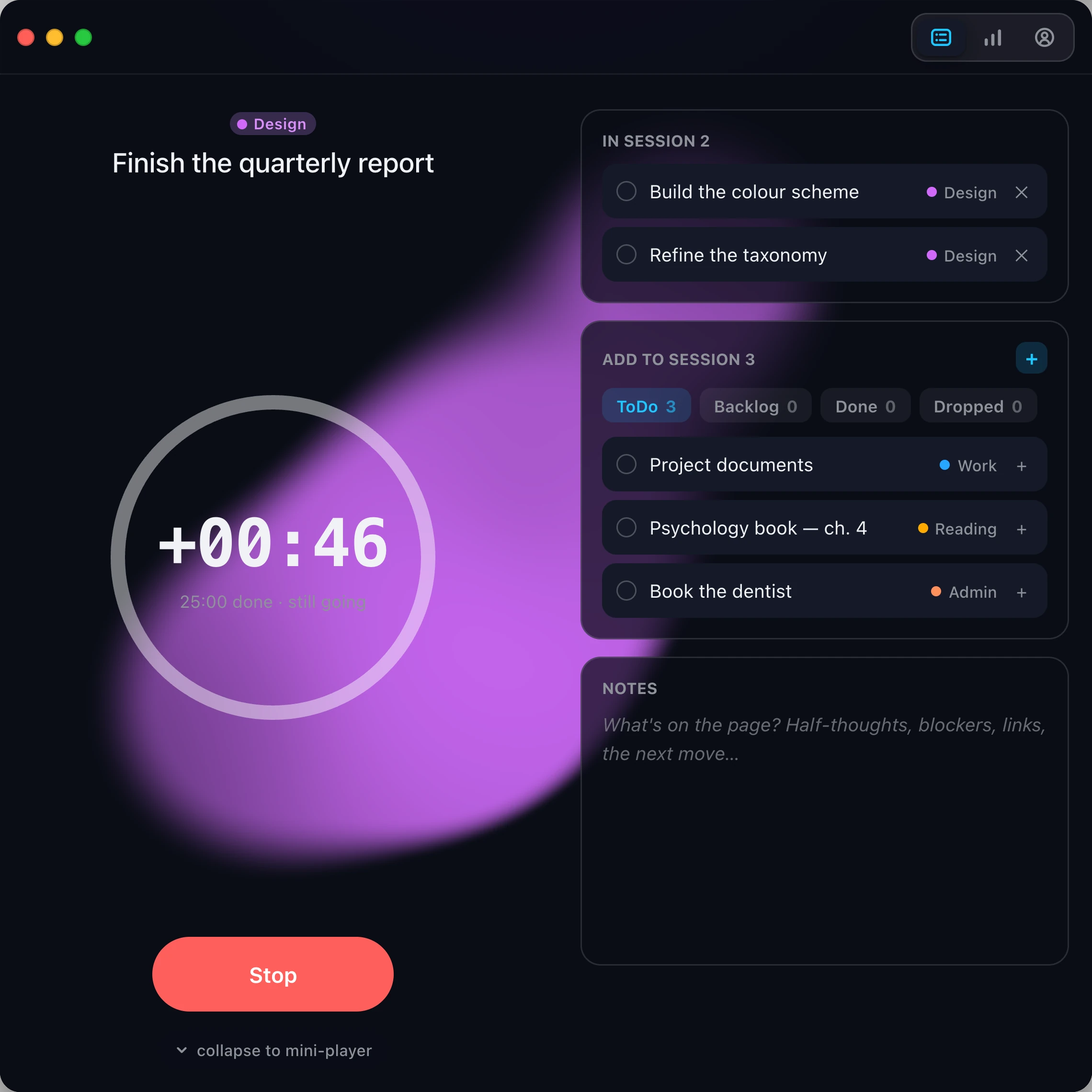
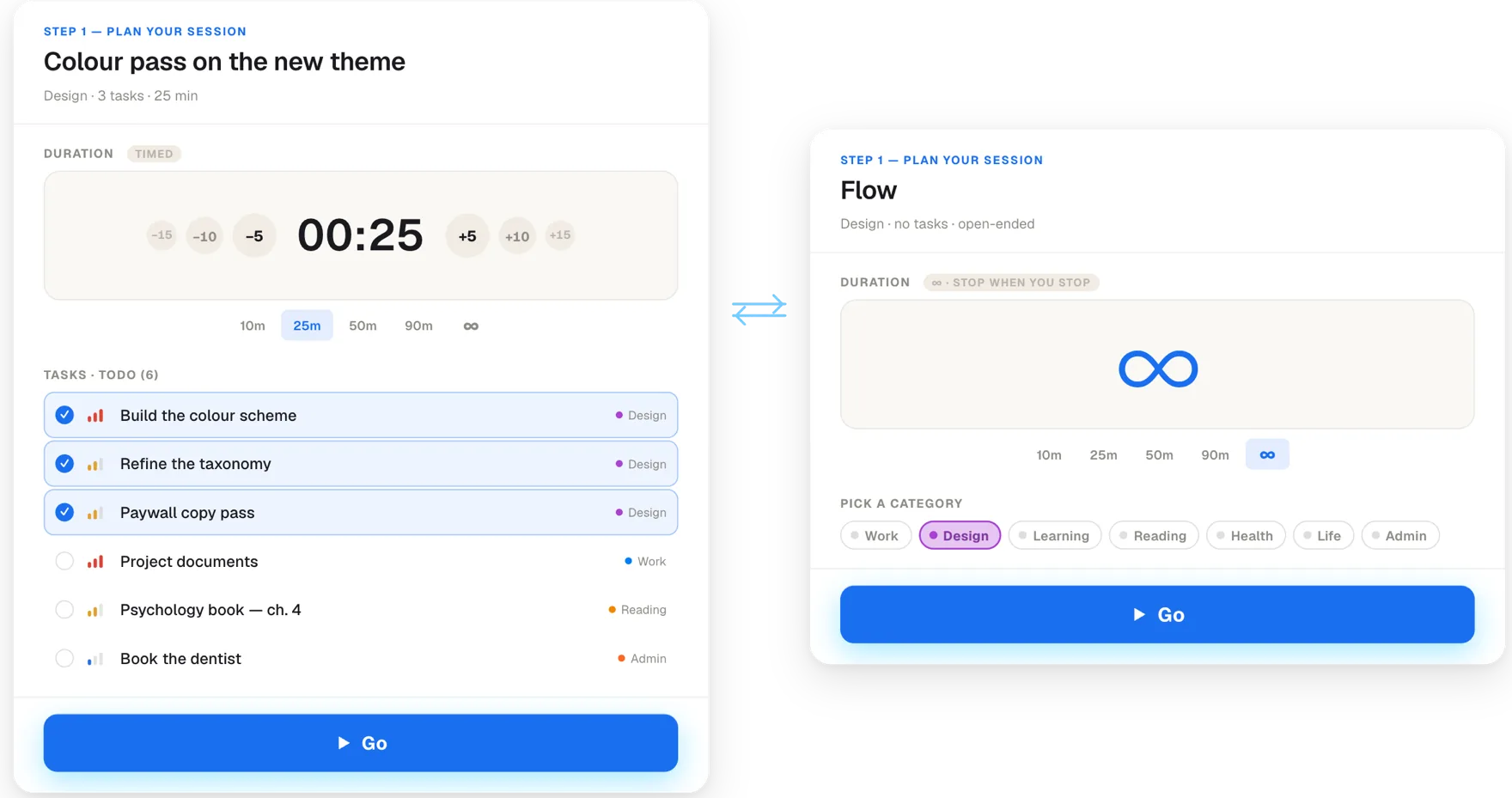
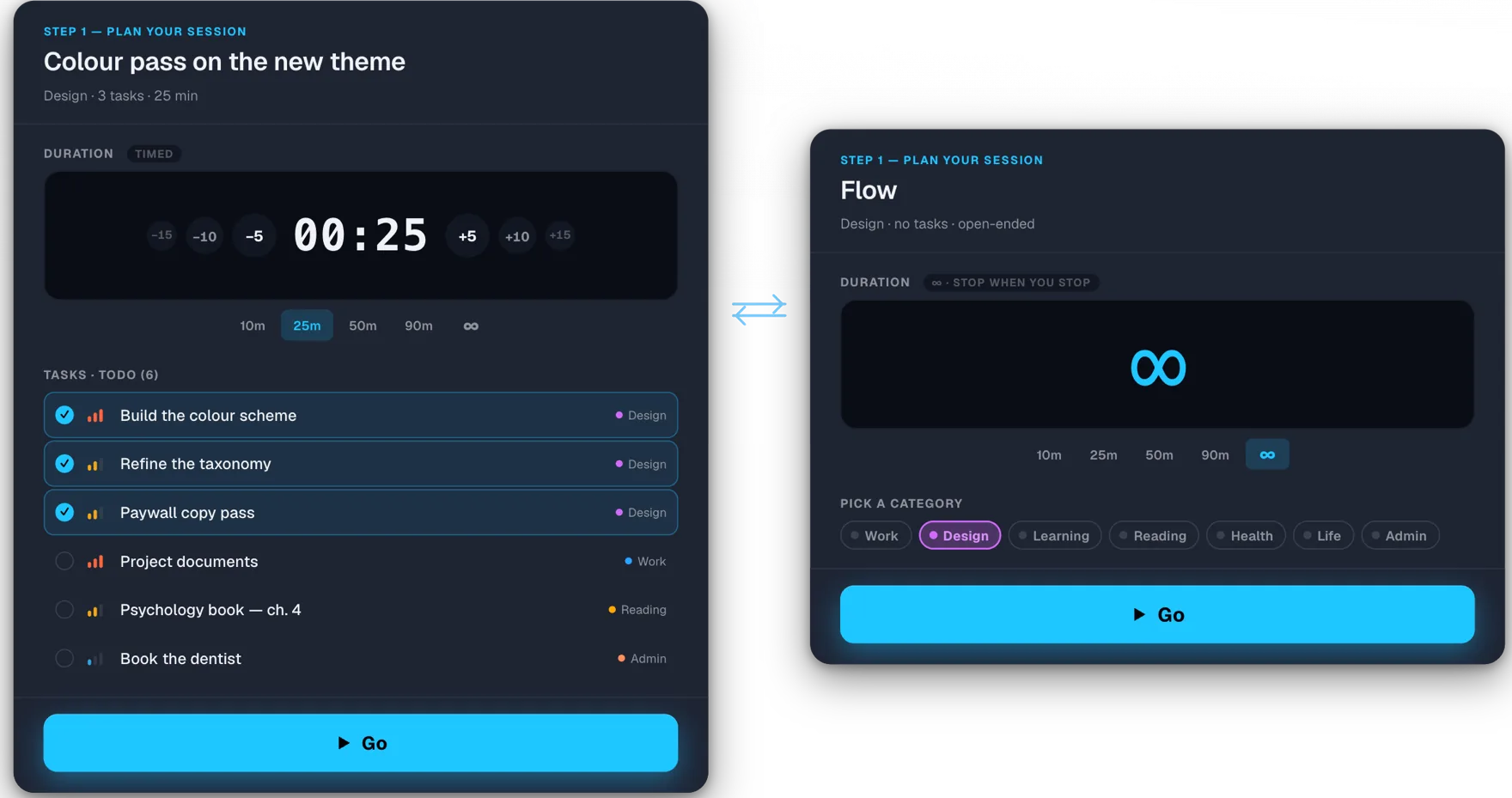
Focus Ally runs focus sessions of 10, 25, 50 or 90 minutes, or open-ended ones with no length at all. When a timed session reaches zero, it doesn't ring you out. It keeps counting up.


Timed or open-ended
Pick a length when you want a target. Leave it open when you don't know how long the work will take. Either way, give the session a task or a category, or just a name, and start.
At zero, it keeps going
The worst moment for an alarm is the moment the work finally clicks. So the session doesn't end there. The time past your target shows as a plus, and you stop when you're done, not when a bell says so.
Rest counts too
End a session and pick a break. Follow the rest ladder or choose your own length. Mark how the session felt: sluggish, ok or sharp. Rest goes on the same timeline as focus, because it is part of the day, not the gap between countdowns.
Where the time goes afterwards
Every session lands on your day's timeline, next to your calendar and your agents' runs. Statistics show your daily goal, time by tag and your longest block.
Compare it with your plan Read: a Pomodoro alternative for long workQuestions
Can I use it as a Pomodoro timer?
Yes, a 25-minute session works like one. The difference is that it won't cut you off at zero.
What happens if I forget to stop a session?
It keeps counting until you stop it. You can edit a session's times afterwards on the timeline.
Does it work on iPhone and Mac?
Yes. iPhone, iPad, Mac and Apple Vision Pro, synced through your account.